

Hot desking: cloud booking or on-premises EM?
Hybrid work has turned the assigned desk into the exception. Whether you call it hot desking, hoteling or flex working, the question for IT is the same: how does a phone become my phone the moment I sit down? Cisco now offers two answers, depending on where your calling platform runs.
Two Cisco routes to a shared desk
|
|
Webex Calling (cloud) |
Unified CM (on-premises) |
|---|---|---|
|
Feature name |
Hot desking |
Extension Mobility |
|
Desk reservation |
Cisco Spaces, Outlook/Google calendar or third-party booking apps |
Not built in; separate booking tool |
|
Phone sign-in |
Webex app QR scan, pairing code, or voice portal (*30) |
User ID + PIN on the phone keypad |
|
Personal settings |
Lines and settings follow the user |
Device profile with lines, speed dials, services |
|
Sign-out |
When the booking expires |
Manual, or via a configured time-out |
Cisco has invested steadily in the cloud route. Since PhoneOS 3.3 hot desking sign-in no longer requires a reboot, and since PhoneOS 3.6 (November 2025) only the user who reserved a desk through Cisco Spaces can sign in on it. Cisco Spaces Smart Desking lets employees book desks up to 14 days ahead and check in with a QR code.
The gap for on-premises customers
Many organizations in banking, government and healthcare keep their calling on CUCM for security, compliance or integration reasons. For them, Extension Mobility is the
Extension Mobility vs hot desking
hot desking engine, and it works well. Its weak spot is the sign-in itself: typing a user ID and PIN on a keypad is slow, easily skipped, and a common reason employees remain reachable on the wrong desk, or not at all.
Single sign-on closes that gap
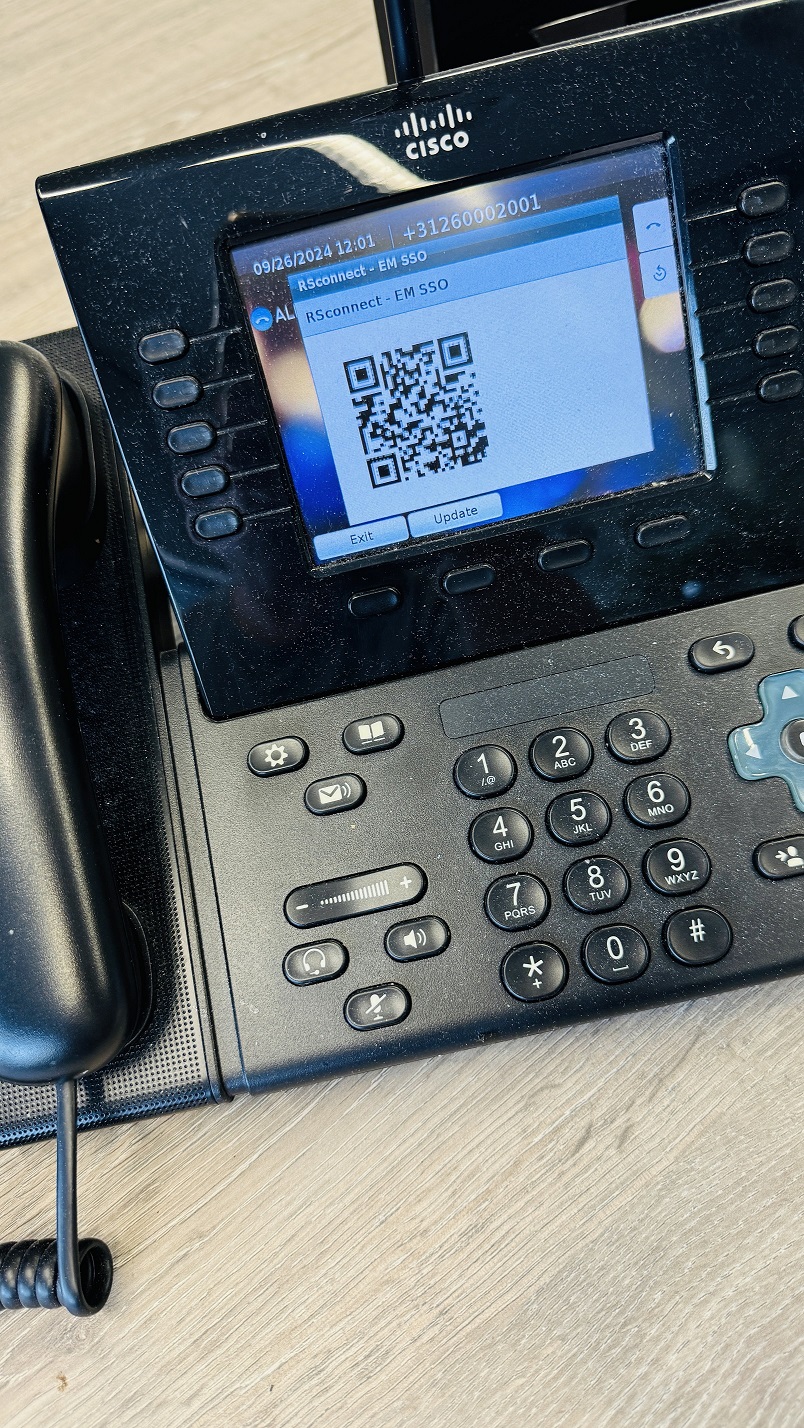
ALM Pro links Extension Mobility to the Windows login. When an employee signs in on a laptop at a flex desk, the Cisco phone on that desk logs in to their device profile automatically. When they sign out or lock the computer, the phone logs out . Users can also log on by scanning a QR code with their smartphone. No PIN codes, no forgotten logouts, and no change to your CUCM platform.
The result is the same experience Webex Calling users get from hot desking, on the platform you already own.
Running flex desks on CUCM? Try ALM Pro free for 30 days or read how our customers use it.